Manage prayer requests
See the prayer requests shared with your church, mark them answered, or delete them.
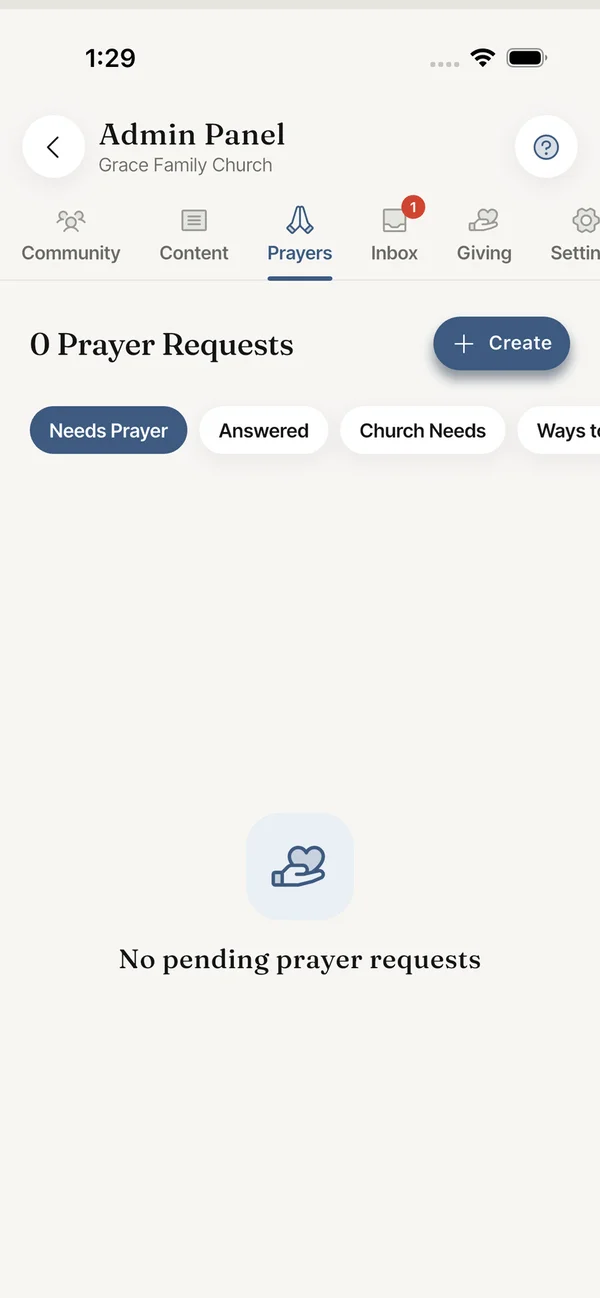
Members can share a prayer request with their church. Open Admin Panel > Prayers to see them. The tab has three filters: Needs Prayer, Answered and Church Needs.
- Each request shows the author, the date, how many people prayed and its visibility.
- Mark Answered moves the request to the Answered list.
- Delete removes it for everyone in the church after you confirm. This cannot be undone.
- Create lets you write a prayer request yourself. Choose to share it with Church only or Everyone.
Still stuck? Write to support@faithly.church, or read the FAQ.